
For sites where someone has to be in charge, on site.
A groundsman, a shift supervisor, a security guard. They do not want an account on a platform — they want a screen on the wall that turns the right lights on, now, and puts them back afterwards.
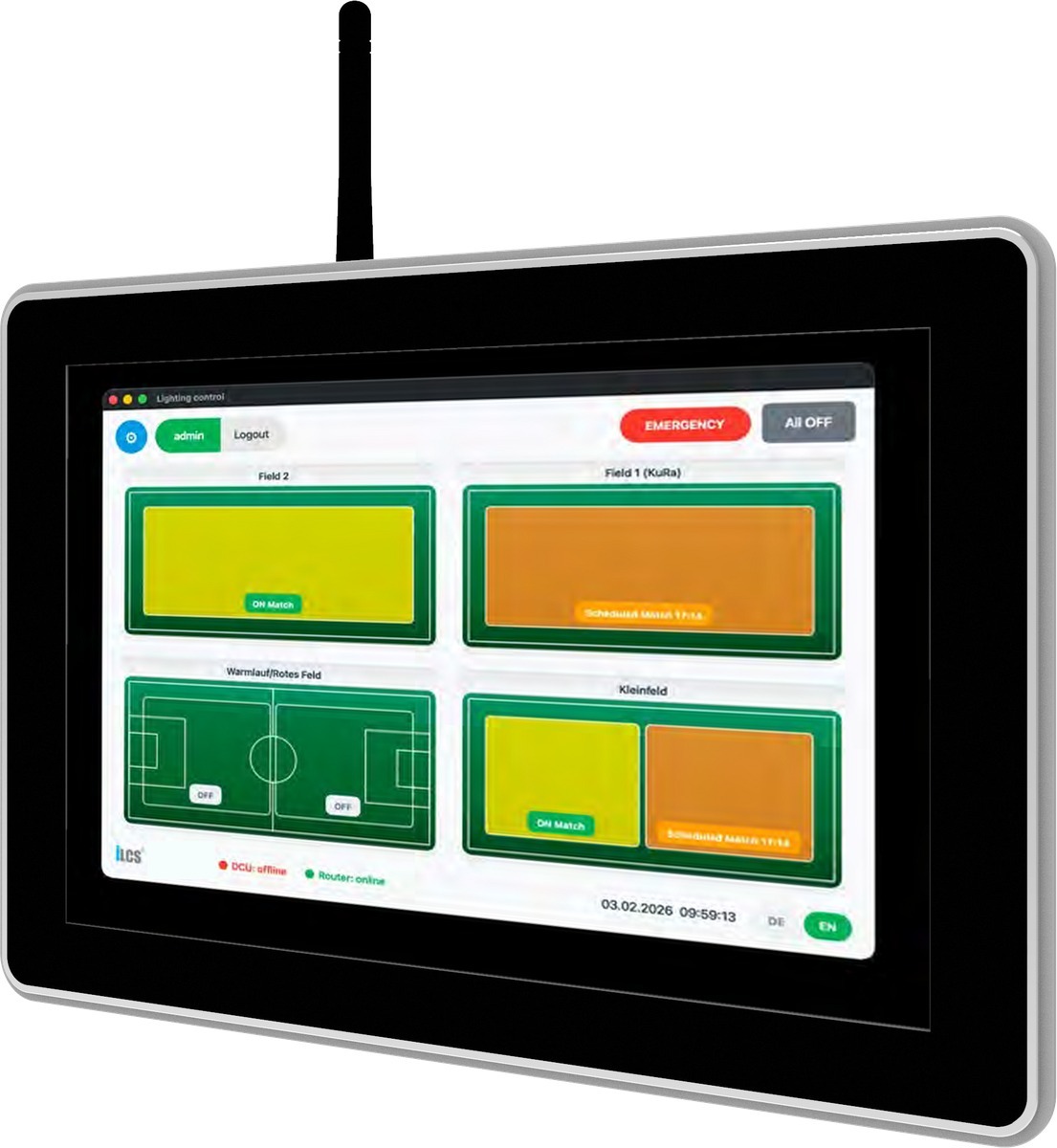
iLCS-HMI2020-Touch — 10.1″ industrial panel
What it does.
It talks to the nodes over the same mesh as everything else, so it controls real luminaires — not a relay panel pretending to be a lighting system.
Pitch, stands, car park, perimeter — one button each, instead of a row of breakers and a torch.
Times and calendars kept locally, including the astronomical clock, with no connection required.
The person on site wins over the schedule, and the schedule resumes afterwards without anyone remembering to restore it.
Cameras or third-party sensors that can publish over MQTTS can trigger a lighting behaviour locally — configured per site.
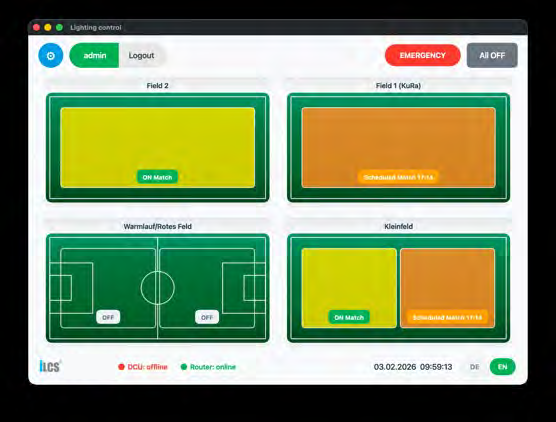
The screen of a sports installation — four pitches, their groups and the next scheduled match
The site as the person on site sees it.
Not a list of luminaires and addresses: the pitches, the halls, the yards and the car parks, drawn the way the people who book them talk about them. Each area carries its groups, what they are doing now, and what is scheduled next.
Emergency and All off sit above everything else, because they are what a person reaches for when something changes and there is no time to navigate.
Match, training, cleaning, off — the levels behind them are set once by whoever knows the lighting standard, and nobody on site has to.
The screenshot was taken with the gateway disconnected, and the screen still runs the installation: the panel talks to the luminaires over the mesh, not through the platform.
Areas, names, groups, scenes and languages are set up for the installation. The screen above is one site's layout, not a fixed product screen.
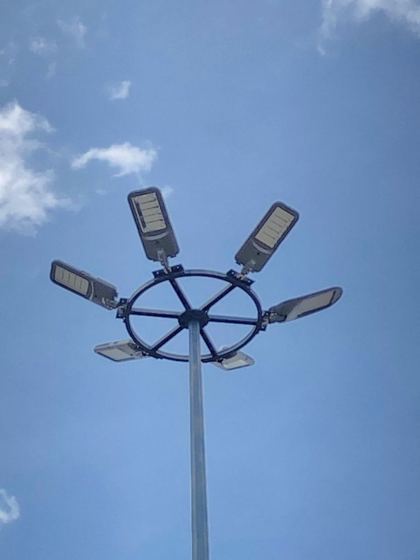
Floodlighting operated locally — installed site
What is behind the buttons.
The same nodes, the same mesh and the same scenes as a networked installation. The panel is one more way in, not a separate little system that has to be maintained on its own.
Connect the site later and nothing has to be rebuilt: the platform starts reading the same installation, and the panel keeps working exactly as it did.
Specification
Datasheet v1.0 · full document on request| Panel | |
|---|---|
| Display | 10.1″ capacitive touch, industrial |
| Mounting | Wall or panel, indoor technical rooms |
| Supply | 9 … 28 V DC |
| Connectivity | |
|---|---|
| Wired | Gigabit Ethernet |
| Wireless | Wi-Fi 5, Bluetooth 5.0 |
| Messaging | MQTTS towards local systems and, optionally, the platform |
| To the luminaires | Through the iLCS mesh |
The panel is a commercial industrial computer that we integrate and configure; the value is the software and the mesh behind it. We say so rather than presenting it as hardware of our own design — the nodes, the radio and the algorithms are, and that distinction is worth keeping honest.
Describe who will use it.
A sports club, a plant, a car park, a perimeter. The groups and the scenes are configured around the people who press the buttons.